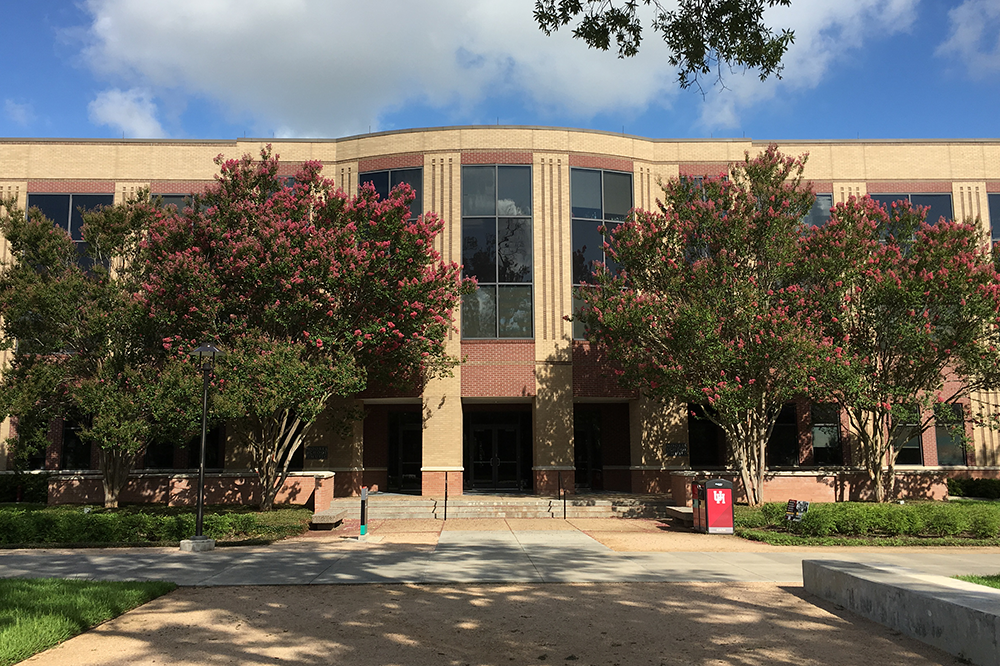
Are you some or all of your UH courses away from the main campus during the academic term? If so, then you have enrolled in a distance education course. DE courses are available online, hybrid (half online, half face-to-face), interactive television (ITV), or face-to-face at the University's off-campus teaching centers.
Establishing Remote Access
To access an electronic resource from outside of one of the Libraries, you will be prompted for your LAST NAME and USER ID. (Click here to see the authentication screen.)
Enter your name as it appears on your Cougar 1Card. Your User ID is your myUH (Peoplesoft) id number. For faculty and staff, this is the Employee ID on your pay stub. If you do not know your myUH (Peoplesoft) number, click here for more information.
Identifying Articles and Books
Use the Libraries' Research Tools to identify the databases. Many of these contain full-text articles that you can download or email. Remote access to these databases requires registration for electronic access: see Connect from Home or Office.
Use the UH Library Catalog to identify materials, particularly books that you want to borrow from the University of Houston, UH-Downtown and the UH-Clear Lake. If you don't find what you need, we can request it from other libraries. Books owned by the University of Houston may be borrowed for three weeks. Other libraries set their own borrowing periods.
Requesting Articles and Books
Use ILLiad (Interlibrary Loan internet accessible database) to request the delivery of books and articles. ILLiad allows you to make requests online, track the processing of your requests, request renewals, and update your personal information.
You must register on ILLiad to use it. You will need your PeopleSoft ID number and a valid email address.
To register:
- Go to Interlibrary Loan page (http://info.lib.uh.edu/services/ill.html)
- Click on “First Time ILLiad Users.”
- Read the Terms of Service. When you are finished, click on “First Time Users Click Here.”
- Fill out the required information.
- Be sure to select “Distance Ed” from the drop down menu in the Status field.
- Be sure to designate a Delivery Site ending in “(Dist. Ed.).” If no listed site is convenient, contact ill@lib.uh.edu to arrange for a delivery location. (Sorry, we cannot deliver books outside the
- When all information is completed, click “Submit Information” to complete your registration.
Once you are registered, you can log in to ILLiad to place requests. From the Interlibrary Loan page (http://info.lib.uh.edu/services/ill.html), click on “Login for registered ILLiad users” and enter your username and password.
ILLiad is used for two kinds of requests:
To request items that are *owned by UH Libraries*
- Log in to ILLiad
- From the Distance Education menu on the left, select either “DE Loan” or “DE Article.”
- Provide as much information as possible on the request form.
- Click “Submit Request.”
To request items that are *NOT owned by UH Libraries*
- Log in to ILLiad
- From the New Request menu on the left, select the format of the item you wish to request.
- Provide as much information as possible on the request form.
- Click “Submit Request.”
Receiving Articles
Most articles will be delivered electronically. You will receive an email notification. Follow the link in the email to log in to ILLiad. From the View menu on the left, select “Web Delivery.” A list of articles will be displayed. Click on “view” to open the PDF version of the article.
There are times when, due to licensing, copyright, or availability, an electronic copy of an article cannot be supplied. In these instances, a paper copy of the article will be delivered to the DE site you have selected. You will receive an email notification with delivery information.
Receiving Books
Books will be delivered to the DE site you have selected. You will receive an email notification with delivery information. Return books to the DE delivery site for shipment back to UH libraries.
Reference and Other Services
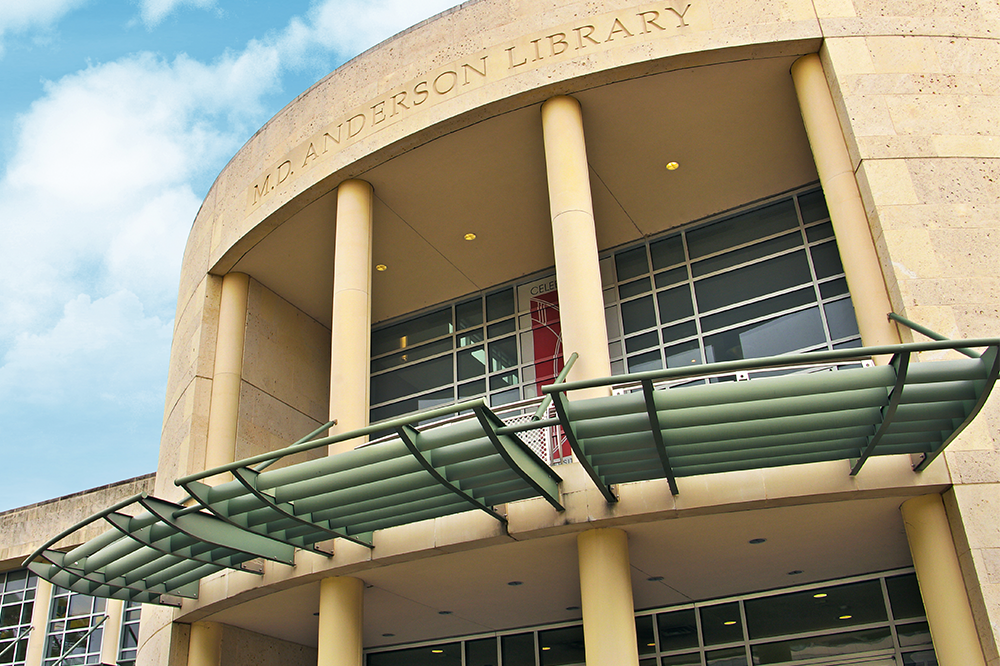
Can't find what you need? Get reference and research assistance from the M.D. Anderson Library:
Borrowing Books from other Texas Libraries
You can receive a TexShare Card to borrow books from many Texas academic, community college, and public libraries. Who participates? See Programs and Participants Service Choices for TexShare Members. To get a TexShare Card, email the Access Services Department (circadm@lib.uh.edu) or phone the manager on duty at (713) 743-9710. You will need to renew this card each term.